
💳 Billing & Plans
We believe in transparent, value-driven pricing. This guide explains how our plans work and how you can increase your selling capacity as your business grows.
1. Plan Usage at a Glance
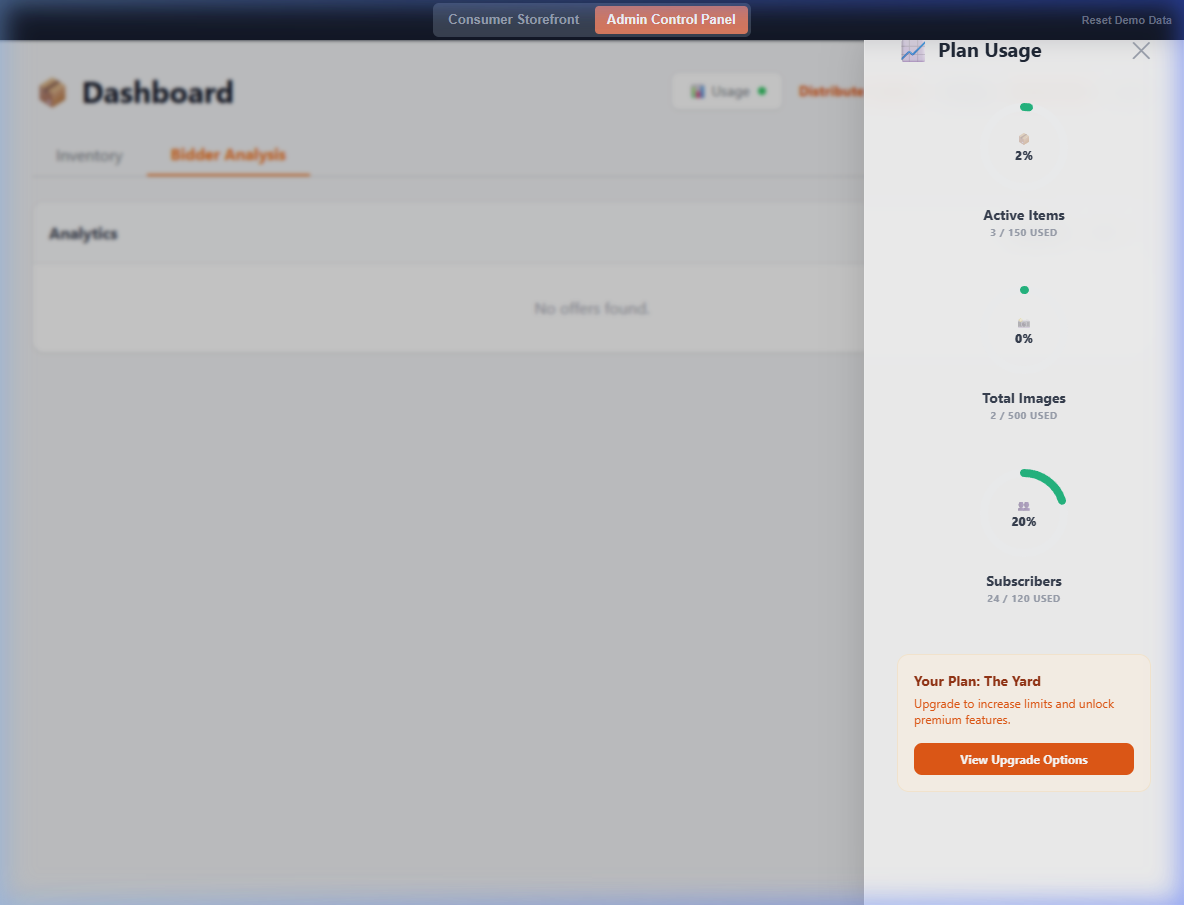
Click the Usage button in the top-right corner of your dashboard to see how much of your current plan's capacity you've used. This includes your item count, image count, and number of subscribers.
2. Subscription Tiers
Kurb offers three primary tiers to suit any size sale:
- The Driveway: Perfect for small sales.
- The Yard: Our most popular plan.
- The House: For large-scale estate sales.
3. Capacity Add-ons
If you're happy with your current plan but just need a bit more room, you can purchase one-time Capacity Packs. These add-ons provide extra item or image slots without upgrading your entire subscription.
4. Upgrading
Need more features or higher limits? You can upgrade your plan at any time through the Settings → Billing tab. Your new limits will take effect immediately!